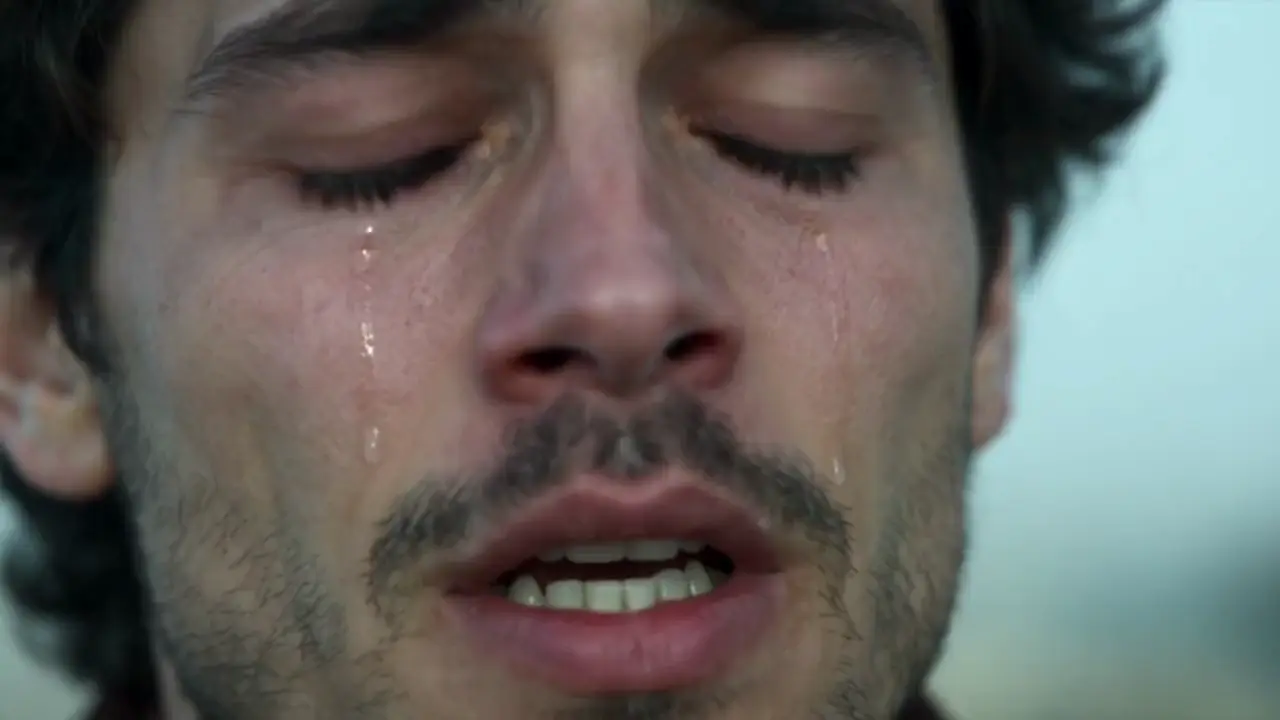

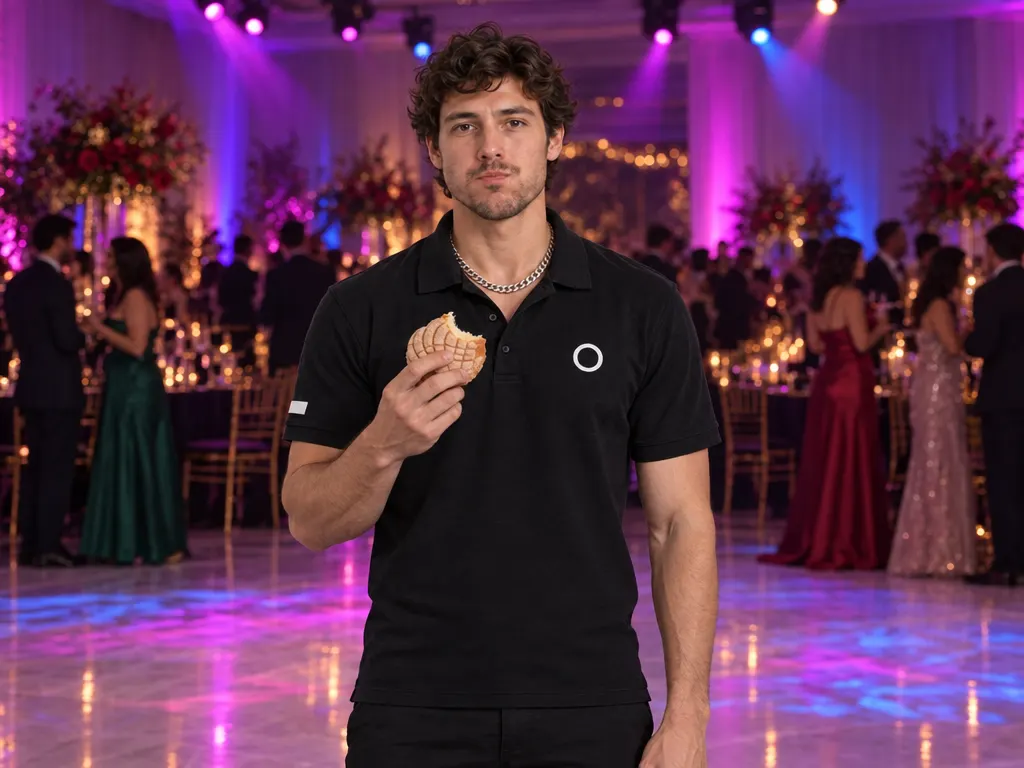
 Bby Wow AI Video Generator
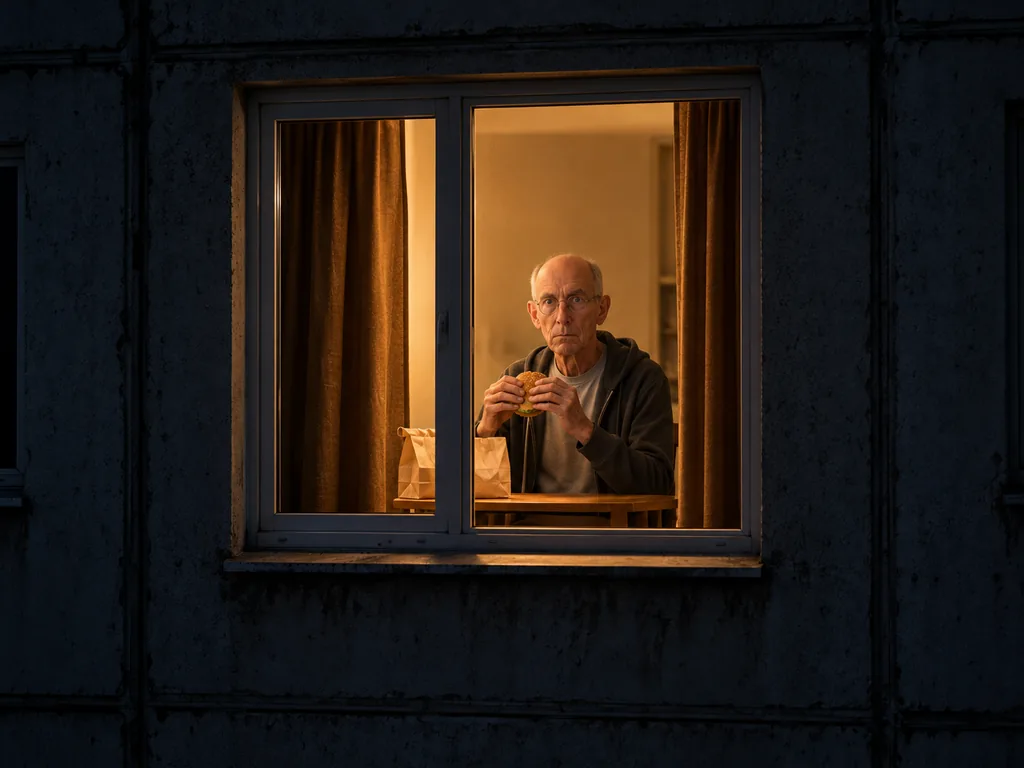 Window Peeper AI Video Generator
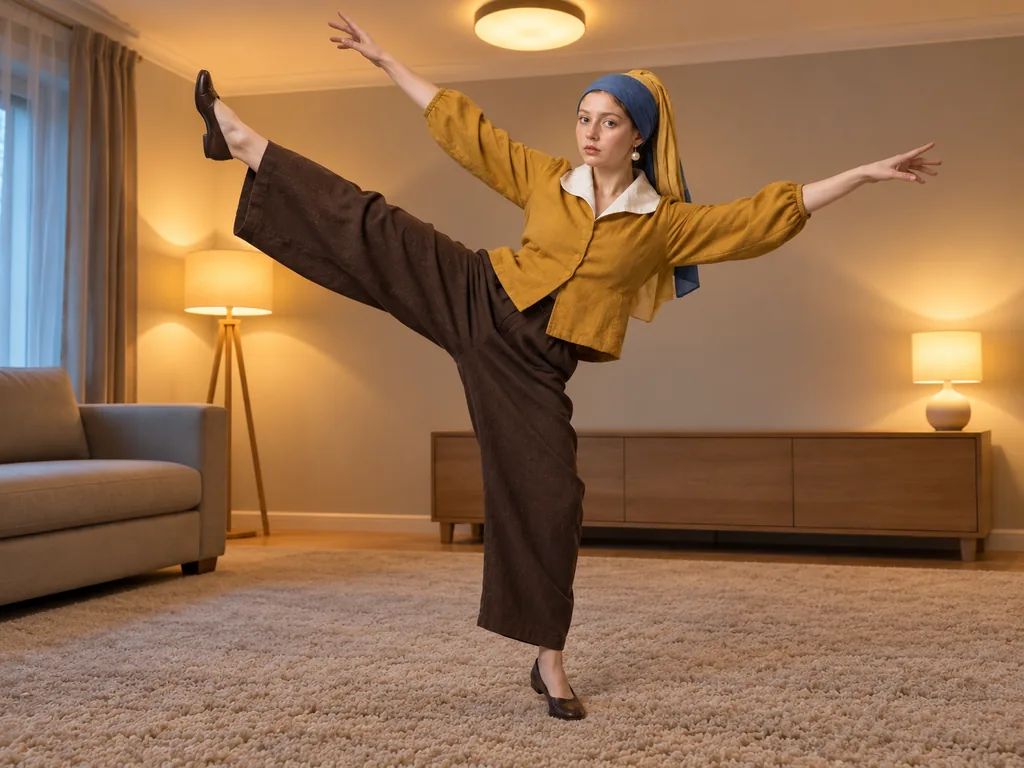 Can Can AI Video Generator
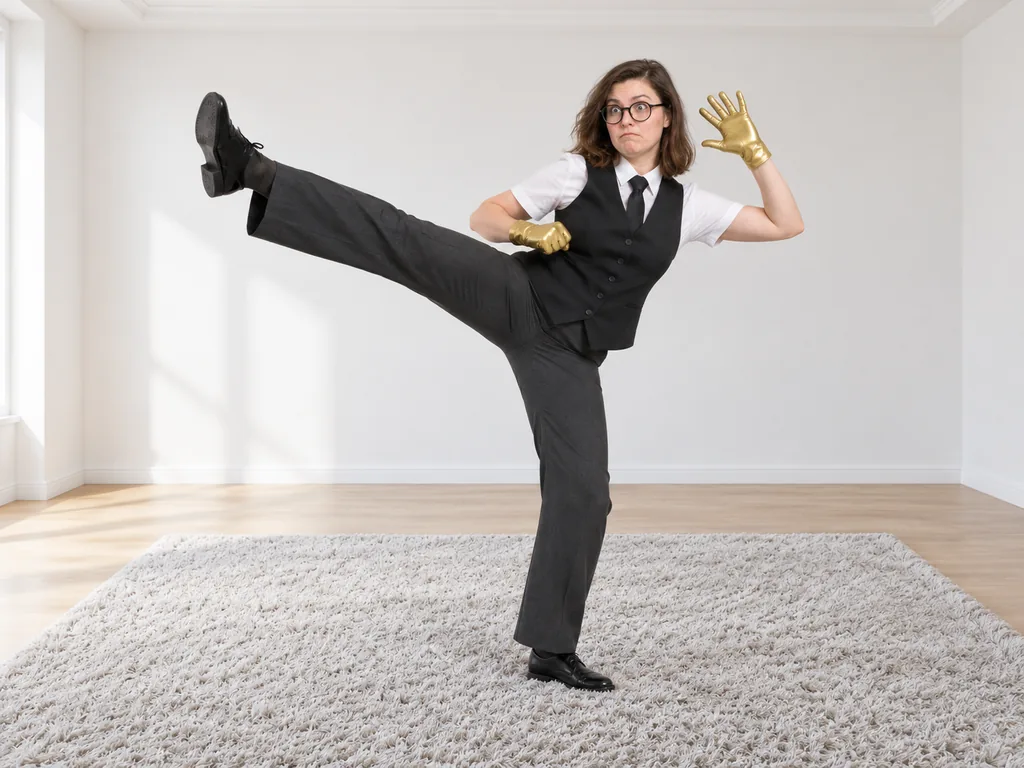 Toc Toc AI Video Generator
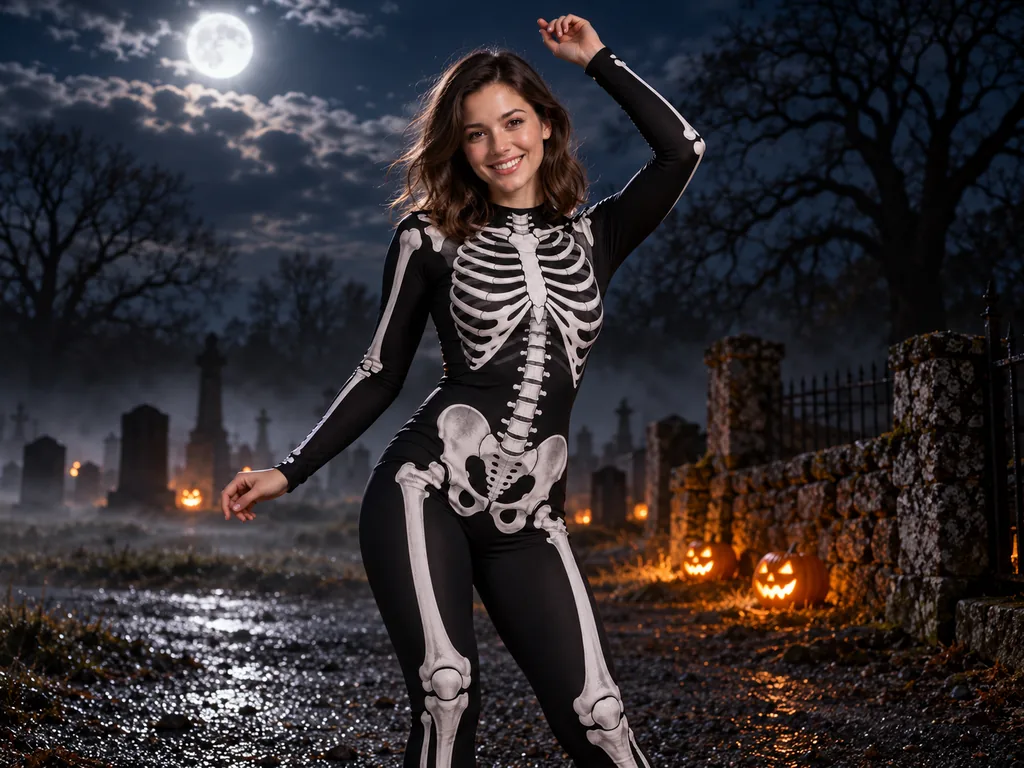 Spooky Scary Skeletons AI Video Generator
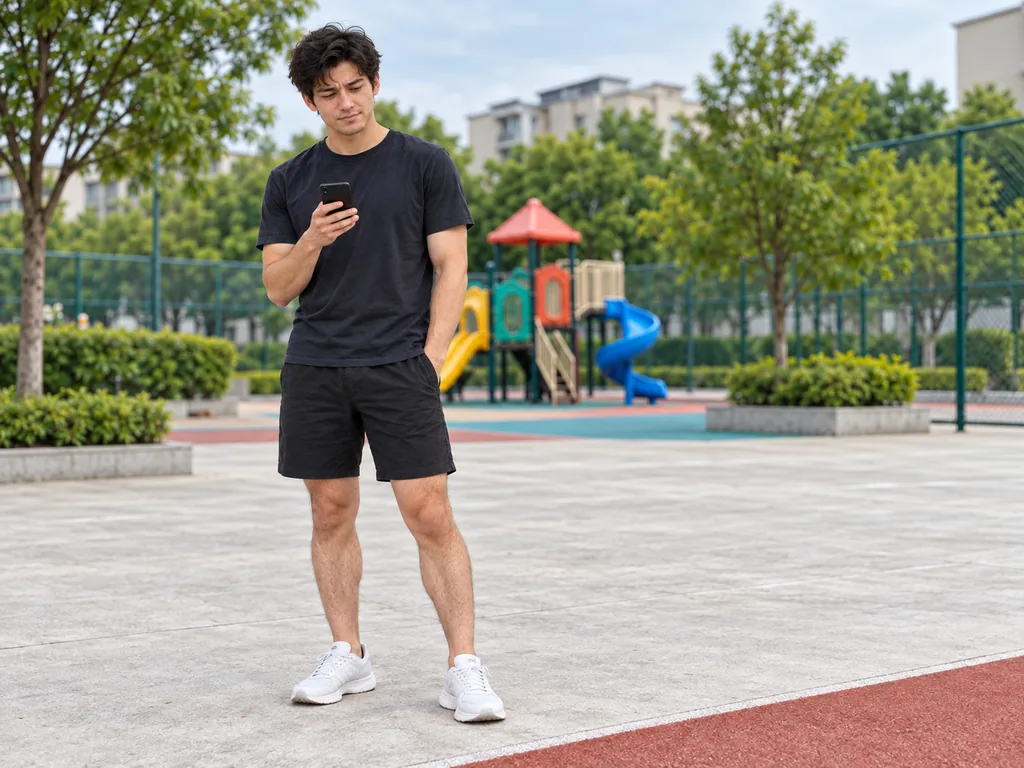 ChatGPT Millionaire AI Video Generator
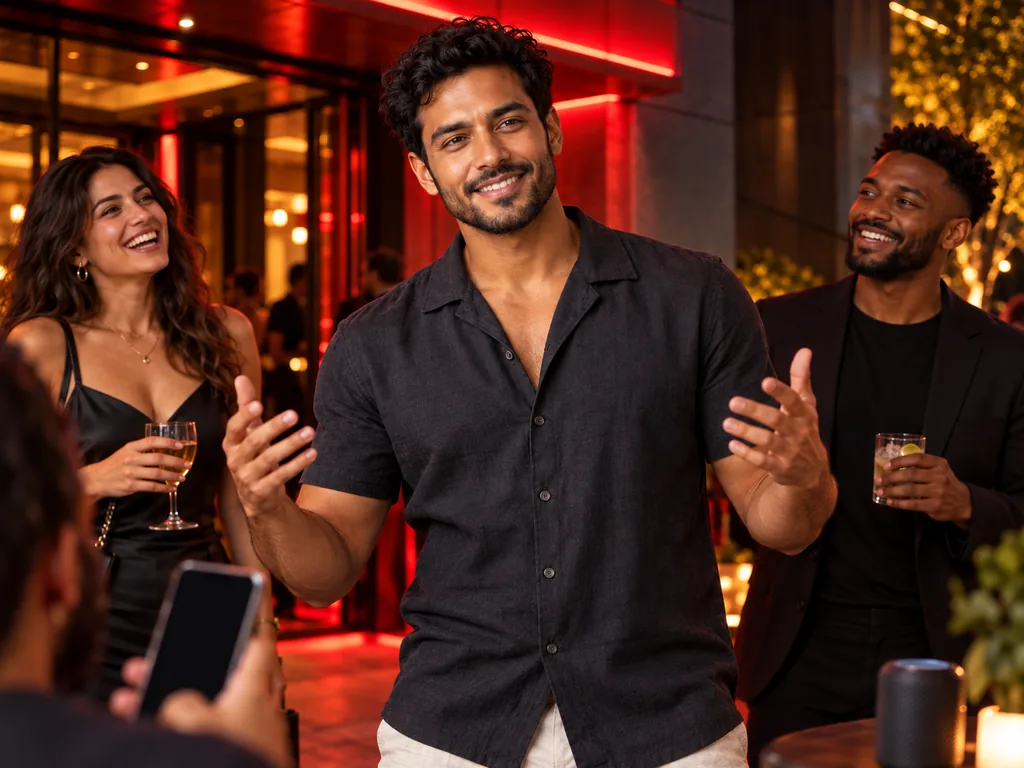 Bulin 47 AI Video Generator
 Ozil Goal AI Video Generator
 Gas Station AI Video Generator
 STORM II AI Video Generator
 Hotel Lobby AI Video Generator
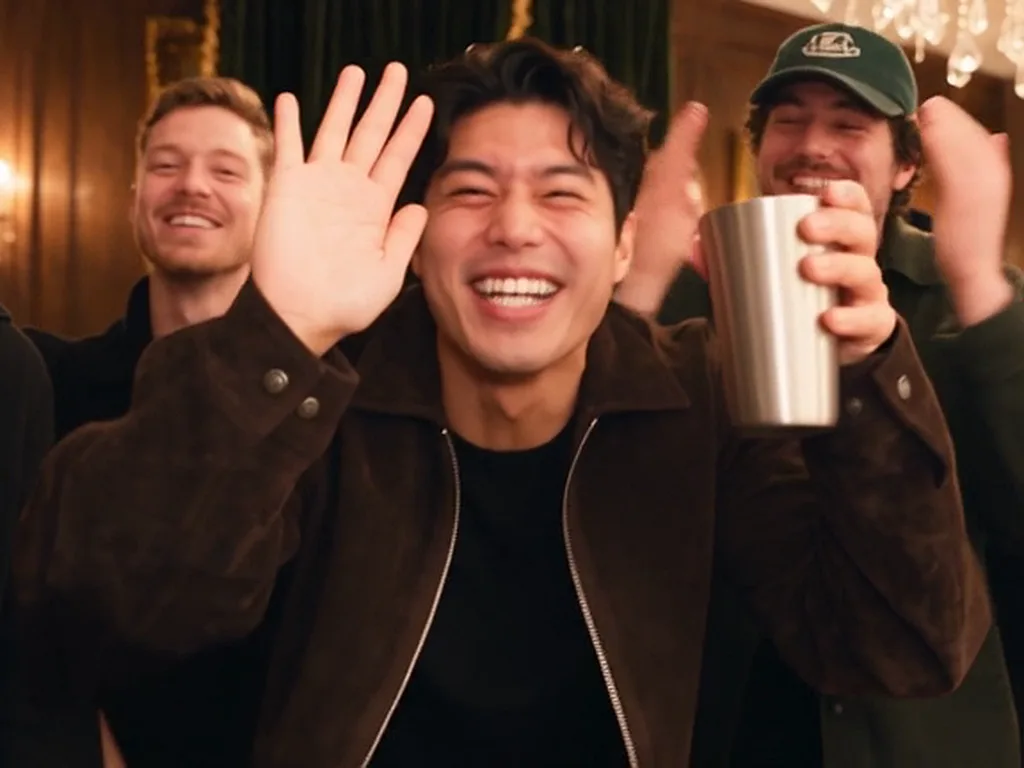 Burning Bridges AI Video Generator
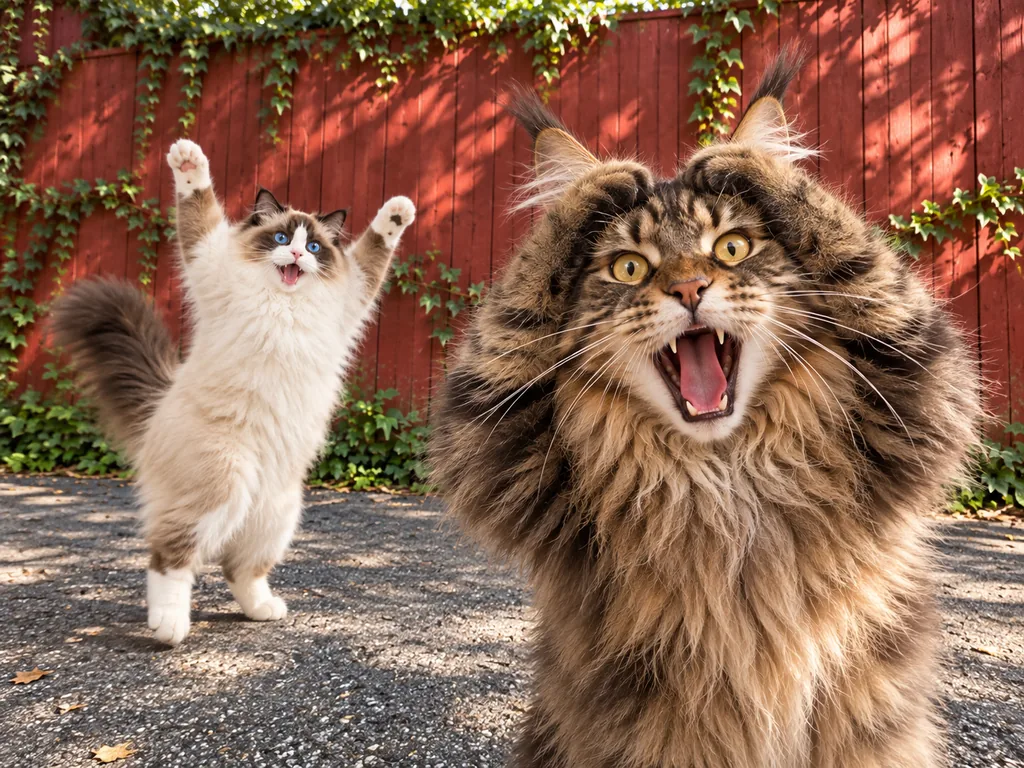 Smalltown Boy AI Video Generator
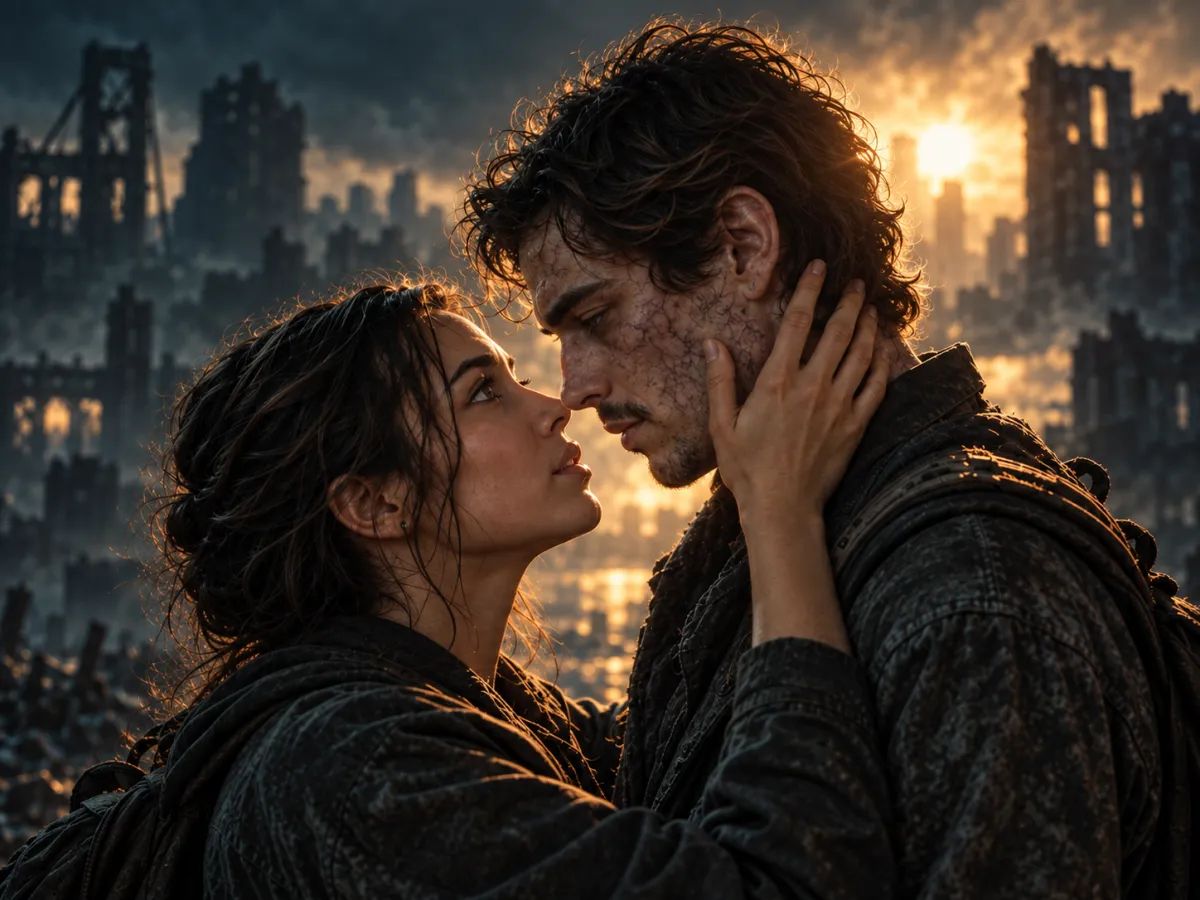 Zombie AI Video Generator
Bby Wow AI Video Generator1 photo · 9s Window Peeper AI Video Generator1 photo · 14s Can Can AI Video Generator1 photo · 15s Toc Toc AI Video Generator1 photo · 12s Spooky Scary Skeletons AI Video Generator1 photo · 12s ChatGPT Millionaire AI Video Generator1 photo · 13s Bulin 47 AI Video Generator1 photo · 12s Ozil Goal AI Video Generator1 photo · 15s Gas Station AI Video Generator3 photos · 20s STORM II AI Video Generator1 photo · 30s Hotel Lobby AI Video Generator2 photos · 15s Burning Bridges AI Video Generator1 photo · 15s Smalltown Boy AI Video Generator2 photos · 21s Zombie AI Video Generator2 photos · 24s
It’s simple
In three steps, your story comes to life.
- 1
Pick a story
Every story is a complete short film with its own look and roles.
- 2
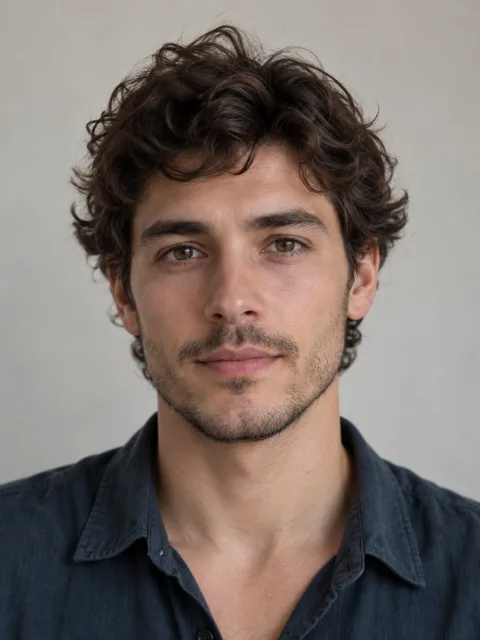
Add your photos
Upload clear photos of the people in the story and choose who plays whom.
- 3
Get your private video by email
We create your personalized short video and send a private link to your inbox.
Some stories stay with you
What is FacesToClips?
FacesToClips puts you in the AI videos everyone is sharing. When a new AI video trend takes over TikTok, Reels and Shorts, we rebuild it as a ready-made story. You upload a photo of yourself, and of your friends if the trend has more than one role, and you receive your own remake of that trending AI video, with you as the stars.
There is no prompt to write. Most AI video tools hand you an empty text box and leave the scene, the camera and the timing to you. Here every trend is already directed, shot by shot. You choose the trend, add your photos, pick who plays which role, and the video is made for you.
There is no account to create either. You pay for one video at a time with an email address, the video is created in the background, and a private link arrives in your inbox. Each video comes as an MP4 in the shape of its trend: vertical 9:16, widescreen 16:9 or cinema-wide 21:9, shown on every story page, ready to post wherever the trend lives.
New trends are added while they are still hot. Every trend has its own page where you can see what the video looks like, read what happens in it, and create yours right there.
- Made from
- Your photos, one adult in each
- You write
- Nothing. No prompt needed
- Account
- Not needed
- Payment
- One video at a time
- Format
- Vertical, widescreen or cinema-wide MP4, depending on the story
- Delivery
- Private link by email
Trending AI videos you can star in
Each one is a viral AI video rebuilt around your photos. Pick a trend to see the scenes and make your own.
Bby Wow AI Video Generator
The Bby Wow AI video trend: the party staffer who steps out of the crowd, bites a small bread roll and stares into the lens before turning away. A nine-second clip made from one photo, vertical or widescreen, with you or your pet in the lead.
$6.99 per video, or 70 credits.
Window Peeper AI Video Generator
The Window Peeper AI video puts you in the caught-eating clip everyone is sending around: a night shot of a block of flats, one lit window, you in it with a burger, a long stare into the camera and a curtain pulled shut. A 14-second vertical film made from a single photo.
$6.99 per video, or 70 credits.
Can Can AI Video Generator
The Can Can AI video puts you in the living-room dance everyone is trying: knees up, huge side kicks, fast heel-and-toe feet and a completely serious face, filmed from a phone on the carpet. A 15-second vertical film made from a single photo.
$6.99 per video, or 70 credits.
Toc Toc AI Video Generator
The Toc Toc AI video puts you in the deadpan one-legged dance everyone is sending around: you hop, knock on an invisible door, kick and finish with an arm thrown out, in a plain white room or any of seven other settings. A 12-second vertical film made from a single photo.
$6.99 per video, or 70 credits.
Spooky Scary Skeletons AI Video Generator
The Spooky Scary Skeletons AI video trend: a loose-limbed skeleton dance of side kicks, shoulder shakes and a wide-stance sway. A twelve-second vertical clip made from one full-body photo, in a misty moonlit graveyard.
$6.99 per video, or 70 credits.
ChatGPT Millionaire AI Video Generator
The ChatGPT Millionaire AI video turns one photo into a 13-second vertical clip: you hold up your phone, ask the chatbot how to become a millionaire, read out its "Get a job, bro" reply, argue back and ask again. Works with your cat or dog too.
$6.99 per video, or 70 credits.
Bulin 47 AI Video Generator
The Bulin 47 AI video turns one adult photo into a twelve-second vertical street performance. Take the lead at a red-lit doorway, with rhythmic gestures, shoulder movements and a crowd gathered around you.
$6.99 per video, or 70 credits.
Ozil Goal AI Video Generator
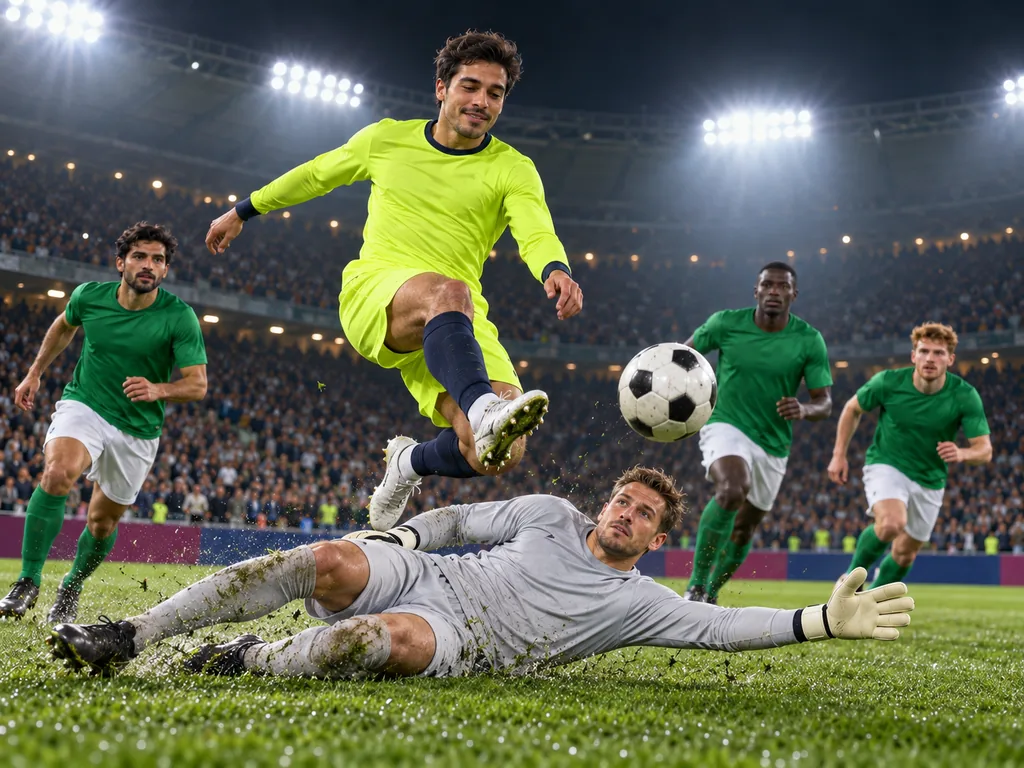
The Ozil Goal AI video: under the floodlights you chip the ball over a diving keeper, calmly let two defenders slide past you and roll it into an empty net while the crowd erupts. A 15-second vertical film in one unbroken take, made from a single photo.
$6.99 per video, or 70 credits.
Gas Station AI Video Generator
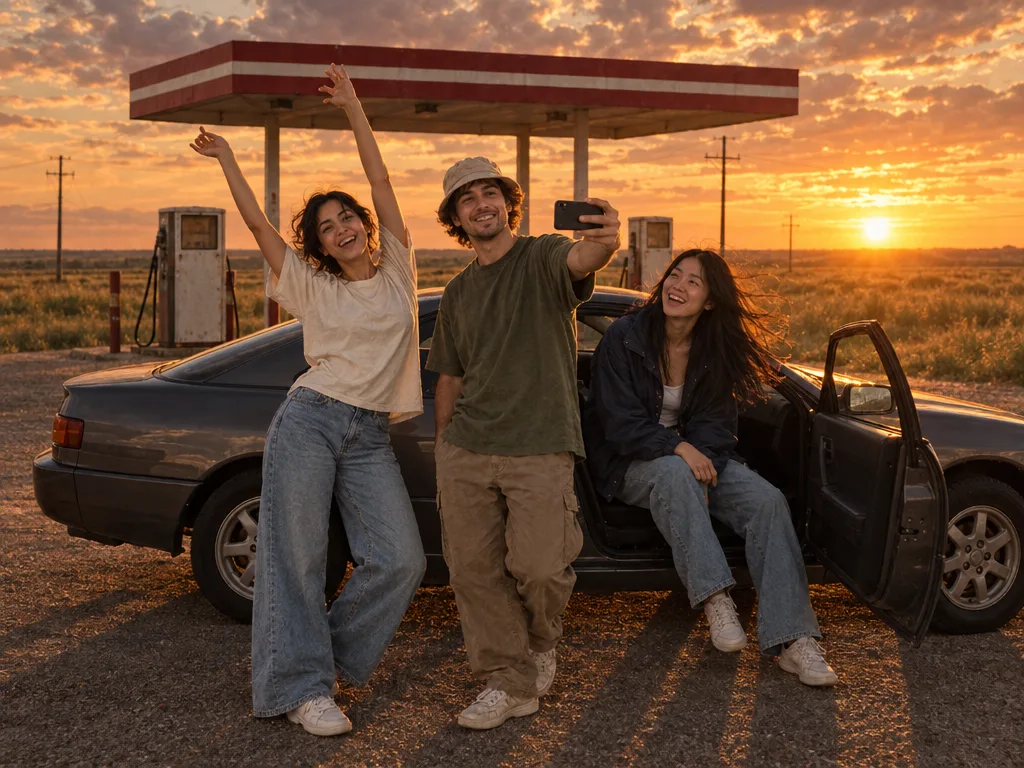
The Gas Station AI video: three friends at a road stop, filming each other on a phone. One dances across an empty lot, one grabs a selfie under the canopy, one leans out of the car and breaks into a laugh. A 20-second vertical film in four shots, made from three photos.
$7.99 per video, or 80 credits.
STORM II AI Video Generator
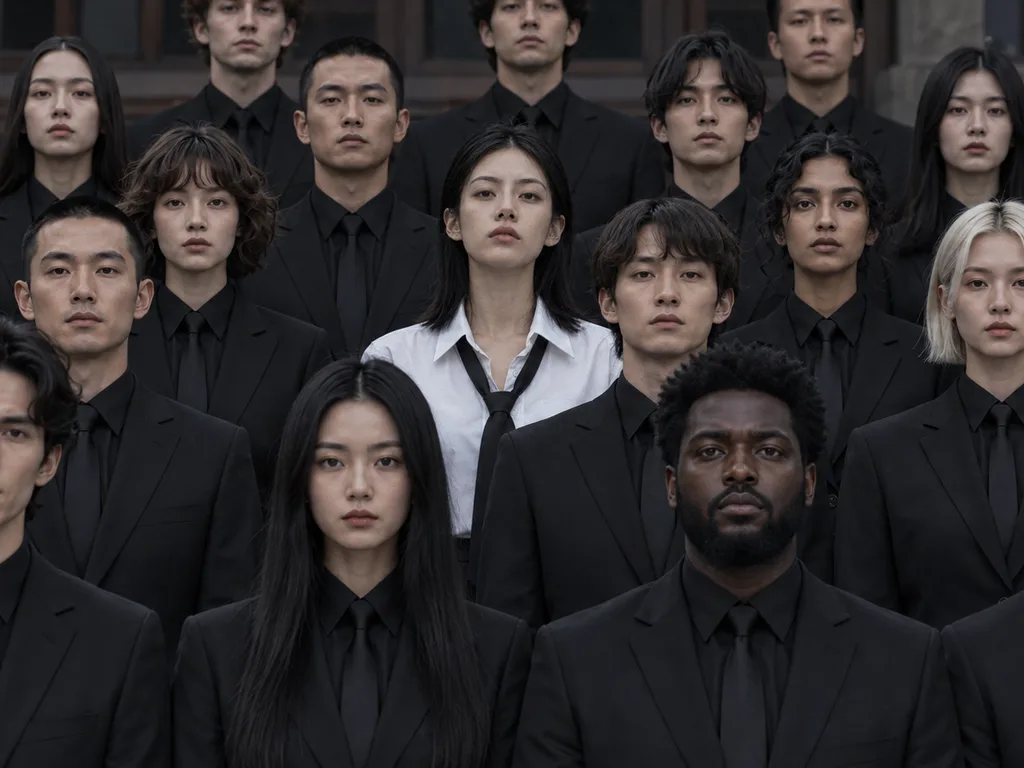
The STORM II AI video: you, in a white shirt, walk into a silent formation of hundreds in black suits. They burst into dance all at once and you alone stand still. A 30-second widescreen film in one unbroken take, made from a single photo.
$9.99 per video, or 100 credits.
Hotel Lobby AI Video Generator
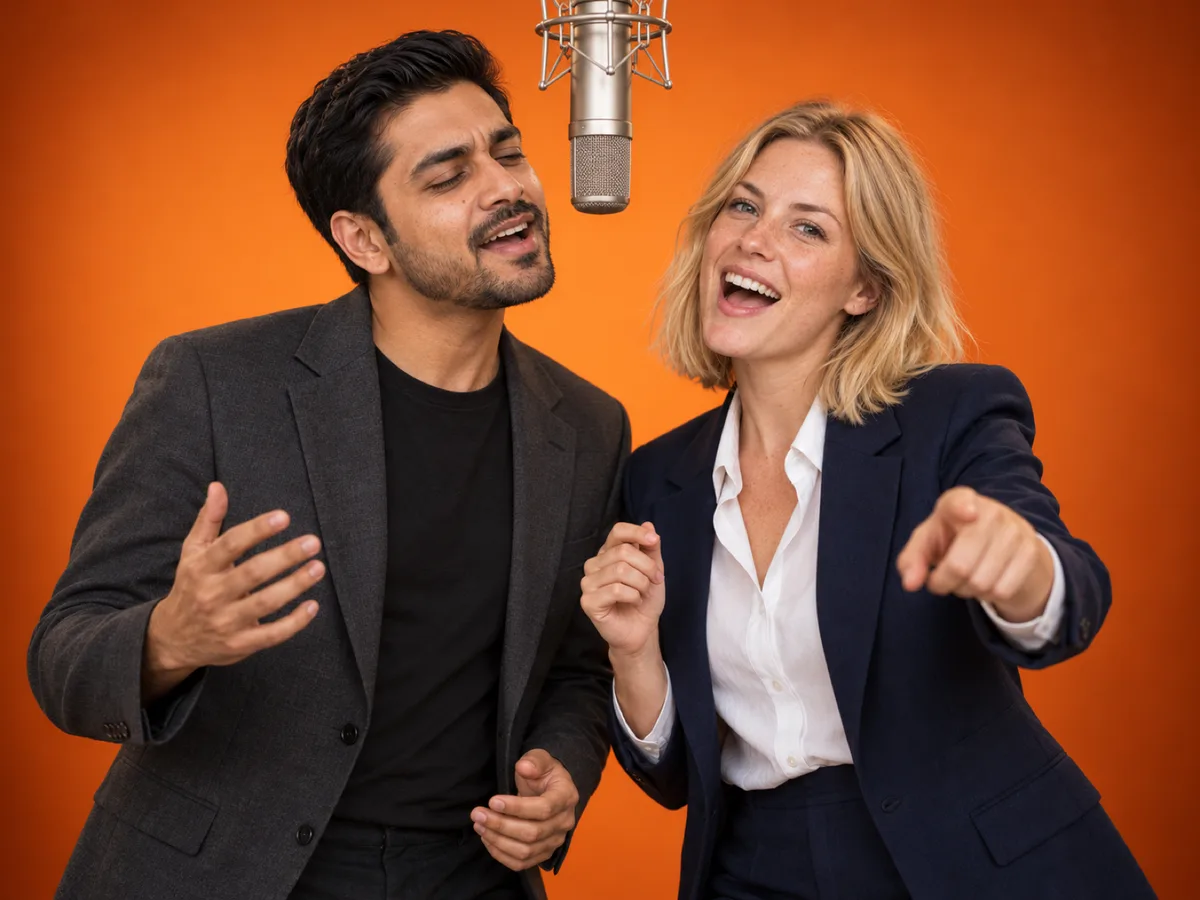
The Hotel Lobby AI trend: two people in a bright orange booth, trading verses across one hanging microphone and hyping each other up. A 15-second widescreen duet in five quick shots, made from two photos and ready for the sound you choose.
$6.99 per video, or 70 credits.
Burning Bridges AI Video Generator
The Burning Bridges AI video: you host a dinner party in a wood-panelled room under chandeliers, silver cup in hand, playing to a hand-held camera while your guests laugh and toast around you. A 15-second cinema-wide film in one unbroken take, made from a single photo.
$6.99 per video, or 70 credits.
Smalltown Boy AI Video Generator
The Smalltown Boy AI video: one friend silently screams an inch from the lens while the other dances behind without a care, then they trade places, dance side by side and lunge at the camera together. A 21-second vertical film in six shots, made from two photos.
$7.99 per video, or 80 credits.
Zombie AI Video Generator
The zombie AI video trend, told as a love story. One of you has turned, the other cannot let go, and a tense stand-off in a ruined world cuts to a warm memory of the two of you. A 24-second film with sound, made from two photos.
$7.99 per video, or 80 credits.
Photos that work best
- One adult per photo, with the face clearly visible and well lit.
- JPEG, PNG, WebP or another common format, up to 25 MB each, at least 300 pixels on the short side (512 or more looks sharpest).
- Front or three-quarter view works best. Avoid sunglasses, masks and heavy filters.
- Use photos of yourself, or of adults who have agreed to appear in the video.
Questions and answers
- What does FacesToClips do?
- It remakes trending AI videos with you in them. You upload your photos, choose a trend, and receive your own version of that viral AI video by email.
- Do I need to write a prompt?
- No. Every trend is already written and directed. You add photos and make a few simple choices, such as who plays which role and, for some stories, whether the video is vertical or widescreen.
- Do I need an account?
- No. You pay for a single video with just an email address, and your orders stay one click away on the Orders page.
- Which trending AI videos can I make?
- The trends listed on this page. Each has its own page with the scenes, the roles and the place to create your video, and new trends are added as they take off.
- Can I make a video with a friend?
- Yes. Most trends star two or three people: partners, best friends, siblings, colleagues. Some, like STORM II and Burning Bridges, star just you. Add one photo for each person and choose who plays which role.
- Who can be in the photos?
- You, and adults who have agreed to appear in the video. Each photo should show one adult with the face clearly visible. Photos of children and of people who have not agreed are not allowed.
- How is this different from a face swap?
- A face swap pastes a face onto existing footage. FacesToClips generates a new video from your photos in the style of the trend, so the scenes are created for you and no original footage is reused.
- How long does it take?
- Your video is created in the background after payment. You can close the page; we email you a private link when it is ready, and the order page shows live progress.
- Will it look exactly like us?
- The video is generated by AI from your photos, so results vary and small differences are normal. Clear, well-lit, front-facing photos give the most recognizable result.
- How much does it cost?
- Each trend has one flat price per video, in dollars or in credits, shown on its page and on the pricing page. You can also buy a 3-video or 5-video pack, which adds credits to your email for later videos. Credits do not expire. There is no subscription.
- Where can I post my video?
- Anywhere you like. Vertical 9:16 fits TikTok, Instagram Reels and YouTube Shorts, and widescreen 16:9 fits YouTube and a TV screen. Some platforms ask creators to label realistic AI-generated content, so check the rules where you post.
- What happens to my photos?
- Photos and videos are private. Uploaded photos are deleted within 24 hours after your order is finished, and your video stays downloadable for 30 days.
More in Help, on the pricing page and in the Refund Policy.
Your photos stay yours
- Your uploads and your finished video are private. Nothing is published or added to a public gallery.
- Uploaded photos are deleted within 24 hours after your order is finished.
- Your video stays available to download for 30 days.
- If a video cannot be made, we make it again at no extra cost, or you can ask for a refund.
The details are in our Privacy Policy and Help.